Live conversation
DemoWebsite chat · illustrative conversation
 ProgressorAI
From an inquiry to a next step
Your industry has its own questions, customer records and next steps. We configure your Lead CRM around that workflow, connecting agreed inquiries from your website, Front Desk and phone to a responsible person.
Tell us what you need. We agree on the scope before starting.
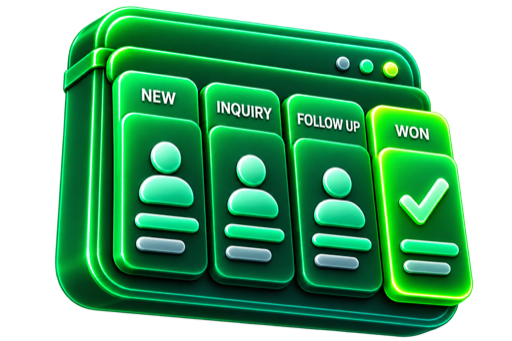
Take the next action
For inquiries that are getting lost between messages, inboxes, spreadsheets and follow-up calls.
Lead CRM · living workbench
Six examples from hundreds of small-business types we can automate.
Website chat · illustrative conversation

Match the service, stylist and preferred time. Reception confirms availability.
Illustrative workflow.
Additional integrations scoped separately.
Illustrative. Integrations scoped separately. Human review. No real sends.
Hosting, domains and provider usage are separate where applicable. The written scope confirms the exact work, responsibilities and timing.
Not always. CRM becomes useful when inquiries are slipping between inboxes, texts, spreadsheets or team members. Start with the need that matters now.
One focused lead pipeline, standard contact, service, source, status and notes fields, one owner workflow, an email notification and follow-up history for the primary lead path.
Data migration, multiple pipelines, team roles, dashboards, custom automation, accounting and document integrations are separately scoped.
The connection can be scoped around your customer and project workflow. SiteLedger implementation and connections beyond the standard handoff are separate work.
These services are optional. Choose one to see the work it covers.
For a new business website or a redesign that connects customer questions, phone enquiries and appointments to your team.
For an owner who works with customers and also handles the first questions, calls and booking requests.
For construction, trades, property and field-service teams that need structured field information and a clear project picture.
Start with the customer or team workflow you want to improve.